
Driver topics made easy to understand
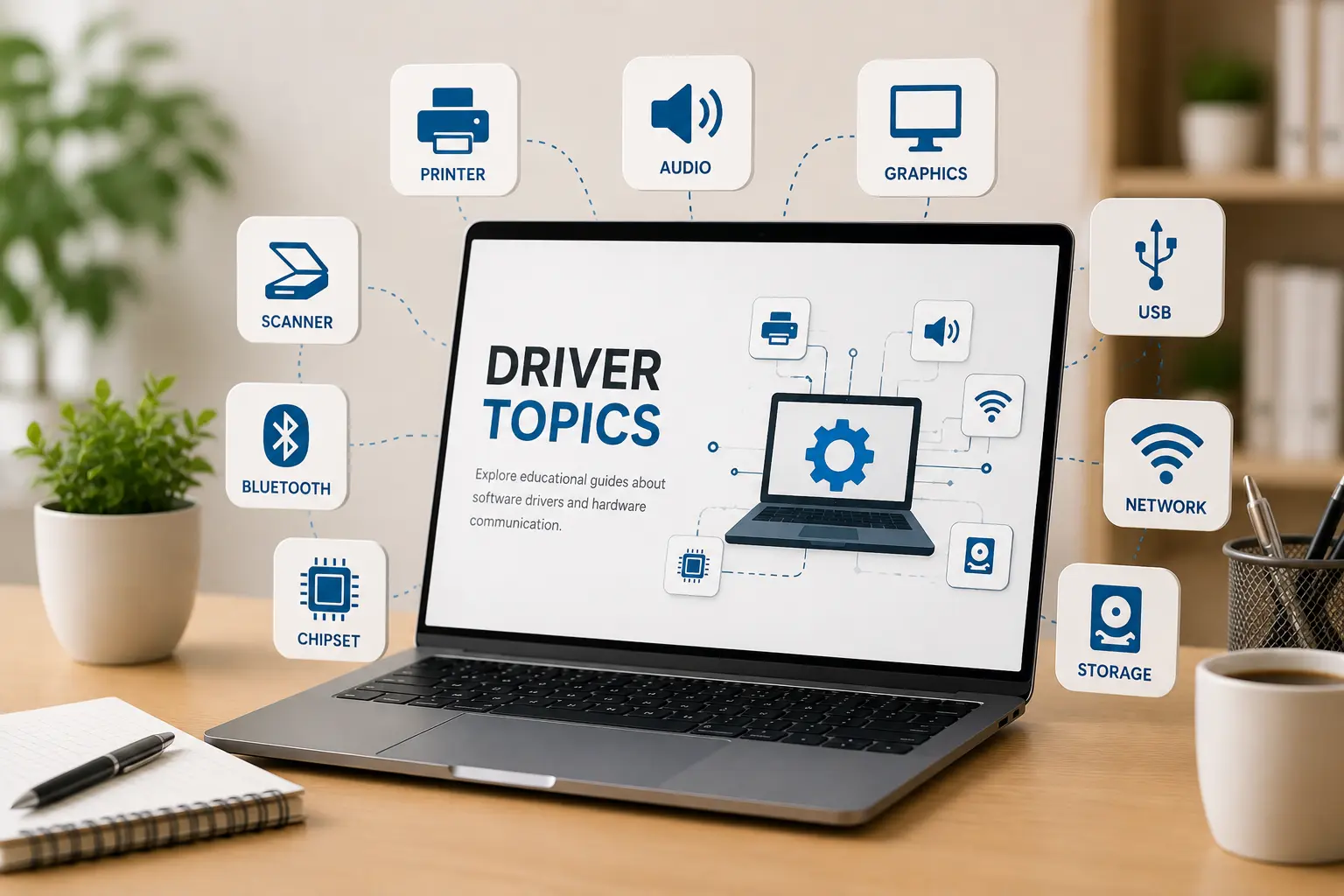
Browse clear educational guides about software drivers and how printers, audio devices, graphics, USB, network, Bluetooth, chipset, storage and other hardware work with your computer.
13+
Driver topics
Learn drivers without confusing terms
Drivers are small software components that help the operating system understand and communicate with hardware devices such as printers, speakers, scanners, keyboards, USB devices, and network adapters.
Explore Driver
Learning Topics
Select any driver category and read simple educational guides about how computer drivers work.
Printer Drivers
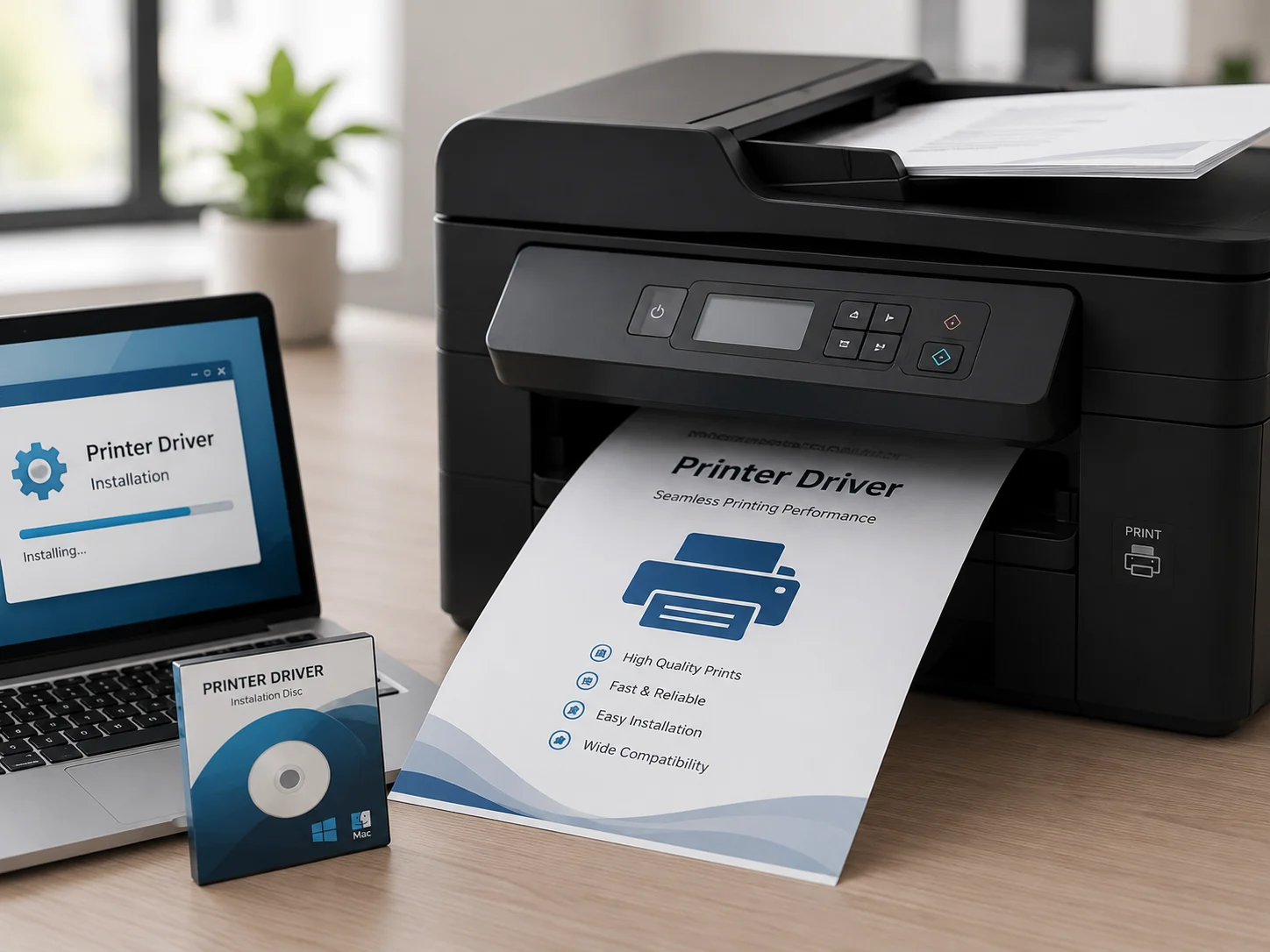
Printer drivers act as the essential translator between your PC and printing hardware. They convert digital documents into a language the printer understands, ensuring high-quality prints and supporting advanced features like double-sided printing, color management, and scanning functions.
Explore common driver areas
Learn what different driver categories do and how they support computer hardware communication.
Device Output
Printer, audio, scanner, webcam, and display-related learning topics.
Connectivity
WiFi, Ethernet, Bluetooth, USB, and connected device communication basics.
System Hardware
Chipset, storage, BIOS, UEFI, and motherboard-level driver concepts.
Input Devices
Keyboard, touchpad, mouse input, gestures, and basic control behavior.
Understand drivers step by step
Choose Topic
Select a driver category such as printer, audio, USB, Bluetooth, chipset or storage.
Read Concepts
Learn the meaning, purpose, and role of that driver in simple language.
Understand Role
See how hardware devices and operating systems communicate through driver software.
Explore More
Move to related driver topics and build your understanding step by step.