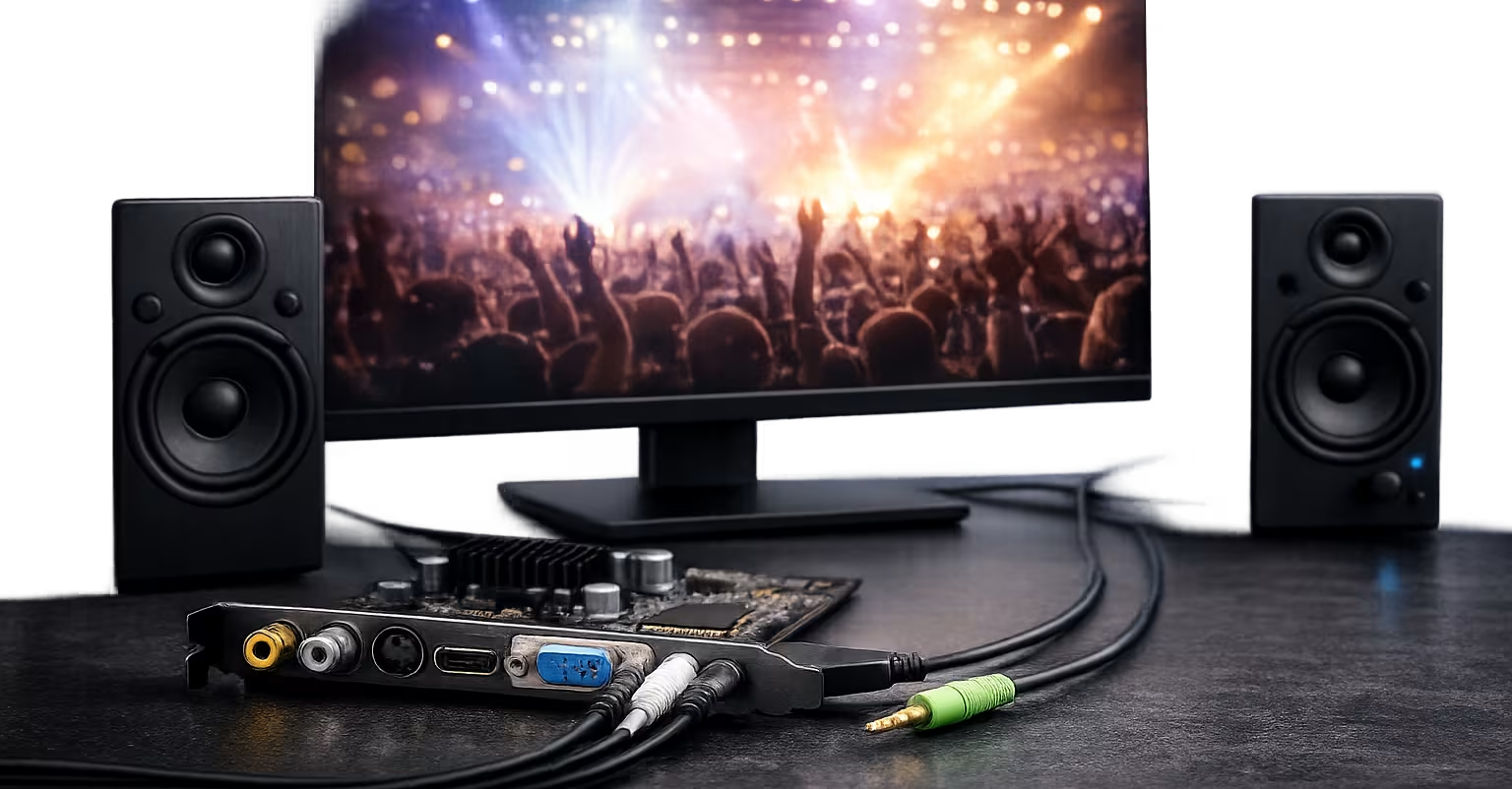
Understanding media driver basics.
The purpose of audio and video driver software
Audio and video drivers are software layers that help the operating system communicate with media hardware. They manage how sound and visual data move between applications, system settings, speakers, displays, and cameras.
How digital data becomes sound and visuals
Computers process media as digital data. Media hardware uses conversion components to turn that data into signals that speakers can play and displays can show. The driver helps organize this flow so the hardware receives information correctly.
Media Concept
Rendering
Rendering describes how visual information is prepared and displayed on your screen by the graphics hardware.
Media Concept
Playback
Playback refers to the process of translating digital files into continuous sound or video output.
Why synchronization matters
For a smooth experience, audio and video data must stay in sync. Drivers help coordinate the timing between sound output and visual rendering so that what you hear matches what you see on screen.
Simple Example
App → Media Driver → Hardware → Output
An application creates media data, the driver helps organize the communication, and the hardware converts the signal for your speakers and display.
Media settings and device behavior
Media drivers support settings related to volume, resolution, refresh rate, and channel configuration. These settings help the operating system understand how the audio and video hardware should be used together.